Submission timeline
2007–2026One slot for every year since HN launched. Height is that year's peak points; orange marks a 100+ point or 50+ comment breakout. Select a bar to open its strongest thread.
Top comments
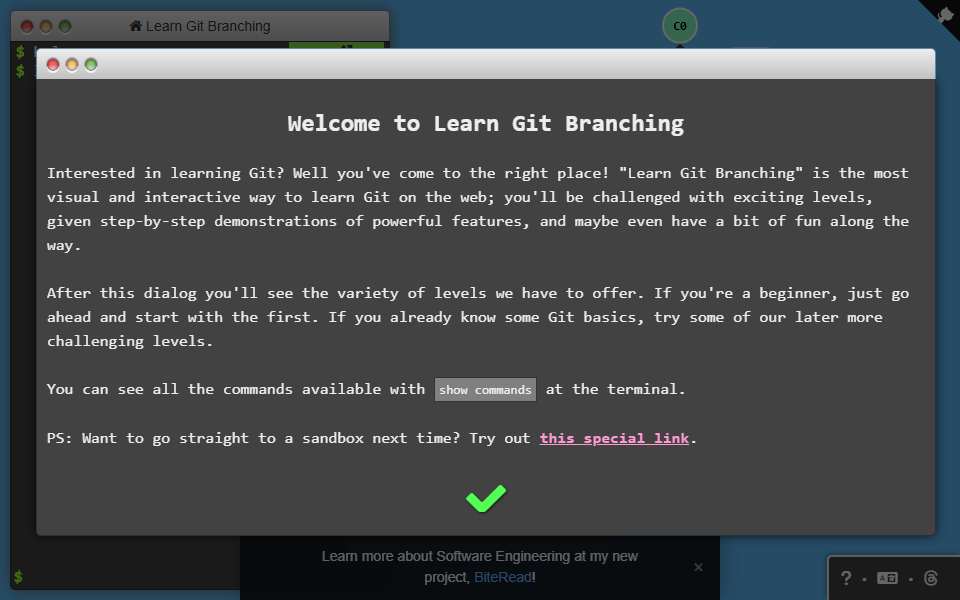
I recommend this site to people a lot, it's nice. What's not nice is people not being aware that Git comes with a graphical history viewer for your actual repositories, gitk, which should really be people's default go-to. (There's also log --graph if you want ASCII art, but an actual GUI is quite a bit better. There's also other GUIs that display the information gitk does, of course.) Git is truly the Dark Souls of version control systems - that…
I can't recommend this highly enough. Before, I had been working with IBM Clearcase and SVN, so I don't feel like I "got" git until I saw, visually, the following: * interactive rebasing * how remote branches are represented * what HEAD is, and how it relates to branches * in day-to-day usage, commits are never really thrown away or deleted. For example, git amend doesn't actually delete a commit. This was a great starting point, it's highly interactive, and…
I have these Git shortcuts stored in my .zshrc file: # https://stackoverflow.com/questions/4298960/git-add-a-git-co... git config --global alias.ac '!git add -A && git commit' git config --global alias.acm '!git add -A && git commit -m' git config --global alias.ll '!git log --graph --full-history --all --color --pretty=format:"%x1b[31m%h%x09%x1b[32m%d%x1b[0m%x20%s"' git config --global alias.gst '!git status' git config --global alias.gca '!git commit -a --amend' git config --global alias.gp '!git push origin…
I really levelled up my git skills with this tutorial. Definitely worth putting in the effort.
The first top-level comment from each of the four biggest threads, in HN’s own order. Excerpts are shortened; open a comment for full context.
HN stats
- Breakout years
- 3
- Total points
- 931
- Total comments
- 228
100+ points or 50+ comments
reference only — not used in Hall rules or ranking
reference only — not used in Hall rules or ranking
Every submission
| Date | Title as submitted | By | Points | Comments |
|---|---|---|---|---|
| 2016-07-27 | Learn Git Branching | Yahivin | 2 | 0 |
| 2016-12-11 | Learn Git Branching | dkarapetyan | 4 | 0 |
| 2017-01-21 | Learn Git Branching(interactive) | vinnyglennon | 9 | 0 |
| 2017-07-26 | Learn Git Branching | striking | 3 | 0 |
| 2017-10-27 | Learn Git Branching | modinfo | 1 | 0 |
| 2018-11-09 | Great interactive tutorial for learning Git branching (and more) | ocoster | 3 | 0 |
| 2018-11-21 | Learn Git BranchingFirst breakout | gerbilly | 300 | 27 |
| 2020-08-12 | Learn Git Interactively | VitalyAnkh | 2 | 0 |
| 2020-09-25 | Visual and interactive way to learn GitBest thread | selva93 | 342 | 66 |
| 2022-06-19 | Learn Git Branching | modinfo | 1 | 0 |
| 2023-11-03 | Visual and Interactive Git Tutorial | trealira | 2 | 1 |
| 2023-12-01 | The most visual and interactive way to learn Git on the web | williamwoodhq | 2 | 1 |
| 2024-02-07 | Learn Git Branching | legrande | 1 | 0 |
| 2024-09-15 | Learn Git BranchingHall induction · Latest 20+ point return | dsego | 259 | 133 |